Understanding Modern Communication Through Chat Apps in 2026
In this article

Understanding Modern Communication Through Chat Apps in 2026
The landscape of digital collaboration has shifted significantly as of 2026. While traditional communication relied heavily on scheduled meetings, modern chat apps now serve as the primary hub for real-time interaction. These platforms allow teams to exchange information instantly, but they often lack the visual context of a physical workspace. Understanding how these chat apps function within a broader digital ecosystem is essential for maintaining team cohesion in remote environments.
Efficient communication requires more than just sending text. Most chat apps focus on message delivery, yet they frequently fail to show the human element of availability. This gap often leads to "notification fatigue," where users are interrupted during deep work because their colleagues cannot see their current focus level. Integrating presence-based technology, such as the solutions offered by Hurbly.ai, helps bridge this gap by adding a layer of transparency to standard chat apps.
How Presence Technology Enhances Digital Workspaces
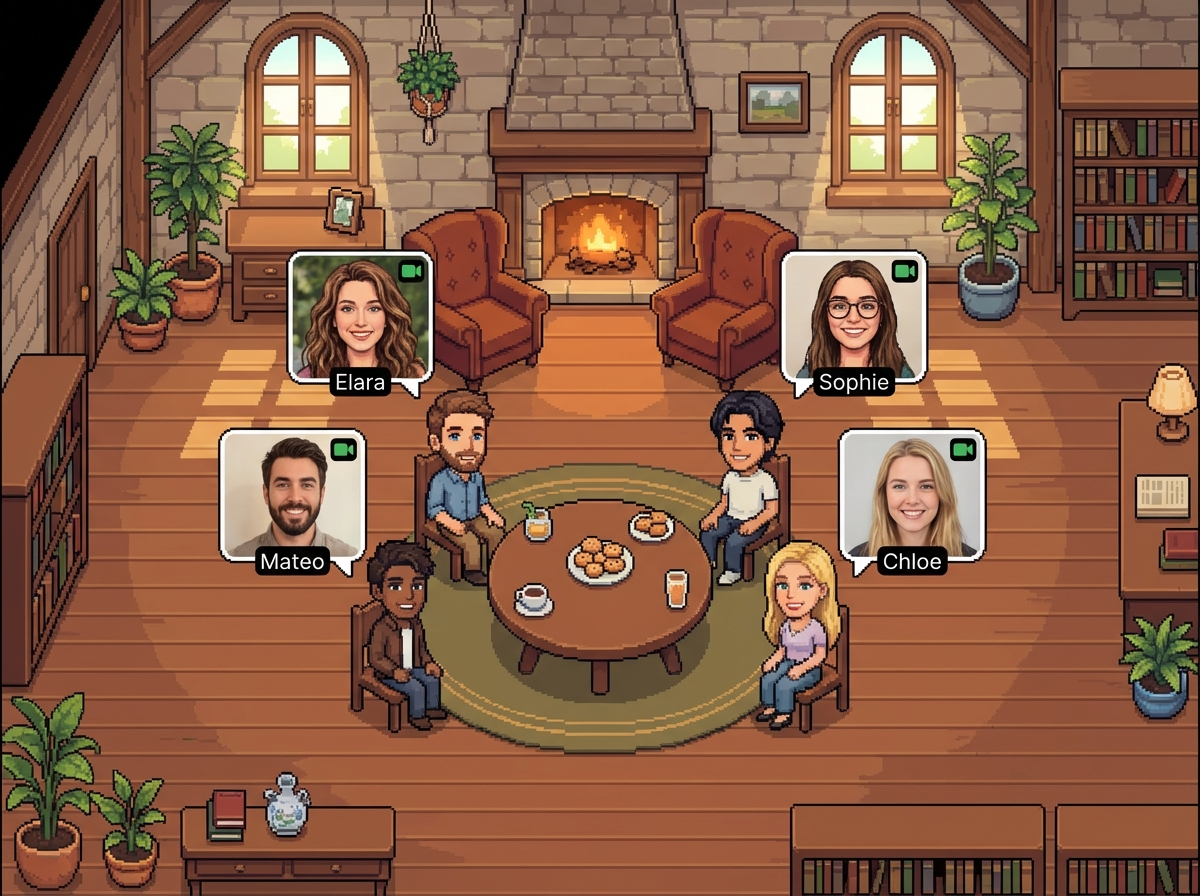
Presence technology works by monitoring real-time activity and status indicators to provide a visual representation of a team. Unlike basic chat apps that only show a green dot for "online," advanced systems categorize availability into specific states like "focused," "in a meeting," or "available for a quick chat." This data allows team members to make informed decisions about when to initiate a conversation, reducing unnecessary interruptions.
By using Hurbly.ai, teams can replicate the spontaneous interactions of a physical office. When you can see a coworker is free, you can start a discussion immediately rather than waiting for a calendar slot. This fluidity is often missing in standalone chat apps, which typically require a more formal approach to starting a video call or a long thread of messages.
Key Features of Effective Communication Tools
To remain productive in 2026, organizations must evaluate the specific features of their communication stack. Effective chat apps should prioritize clarity and ease of use. Below are the core components that define a high-quality digital communication environment:
- Real-Time Status Indicators: Beyond simple online/offline toggles, these show the specific context of a user's workday.
- Instant Audio/Video Transitions: The ability to move from text in chat apps to a live conversation without generating a meeting link.
- Focus Protection: Features that signal to others when a team member is engaged in deep work and should not be disturbed.
- Asynchronous Support: Ensuring that information remains accessible for team members in different time zones.
| Feature | Standard Chat Apps | Presence-Enhanced Platforms |
|---|---|---|
| Availability View | Limited to "Active" or "Away" | Detailed (Focused, Meeting, Available) |
| Interaction Style | Message-heavy and reactive | Spontaneous and proactive |
| Coordination | Requires manual checking | Visual and automatic |
| Workflow Impact | High interruption risk | Optimized for deep work |
Why Remote Teams Prioritize Visual Presence
Remote and distributed teams face the challenge of isolation, which standard chat apps cannot always solve. When team members feel like names on a screen rather than colleagues in a room, engagement drops. Visual presence platforms change this dynamic by providing a bird's-eye view of the virtual office. This visibility ensures that even if employees are miles apart, they remain connected through the same digital pulse.
Using Hurbly.ai alongside your existing chat apps creates a more holistic environment. It allows freelancers and large organizations alike to see who is "at their desk," fostering a sense of belonging. This setup reduces the friction of coordination, as managers can see team distribution at a glance without having to send "Are you there?" messages through various chat apps.
Steps to Optimize Your Team Communication
- Audit Current Tools: Identify where your current chat apps fall short in terms of visibility and spontaneous interaction.
- Define Status Protocols: Establish clear meanings for different status indicators so the team knows when it is appropriate to interrupt.
- Integrate Presence Layers: Implement a platform like Hurbly.ai to provide the real-time visual context that standard chat apps lack.
- Encourage Short Bursts: Shift the culture from long, scheduled meetings to quick, 2-minute "huddles" when the system shows everyone is available.
- Monitor Engagement: Regularly check if the team feels more connected and if the reliance on cluttered chat apps has decreased.
By following these steps, organizations can ensure their communication is both efficient and human-centric. The goal is to use chat apps as a tool for progress rather than a source of distraction, creating a balanced workflow that respects individual focus while promoting collective goals.

