Enhancing Remote Teamwork with Kumospace for Creative Collaboration
In this article

Enhancing Remote Teamwork with Kumospace for Creative Collaboration
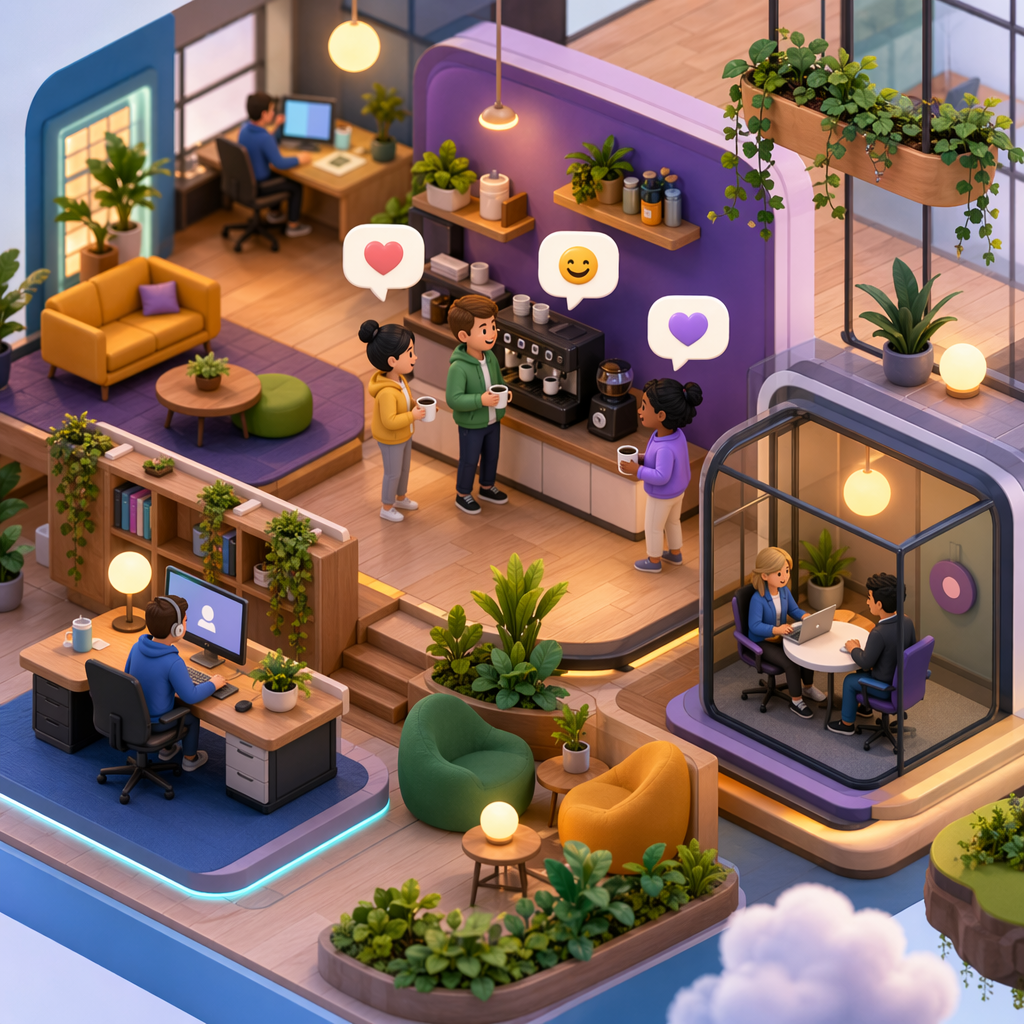
The landscape of digital work has shifted toward environments that prioritize spatial awareness and spontaneous interaction. Using Kumospace for creative collaboration allows teams to move beyond the constraints of traditional grid-based video conferencing. Instead of waiting for a calendar invite, team members navigate a virtual environment where proximity determines audio levels. This spatial audio technology mimics a physical office, where walking toward a colleague makes their voice clearer, fostering a natural atmosphere for brainstorming and quick decision-making.
In 2026, the necessity for fluid communication is higher than ever. Kumospace for creative collaboration provides customizable virtual rooms that can be tailored to specific project needs or company culture. These spaces serve as persistent hubs where resources, whiteboards, and documents remain accessible. By establishing a permanent digital headquarters, organizations reduce the friction often associated with starting new meetings, as the "room" is always open for those who need to sync up on complex tasks.
Key Features of Kumospace for Creative Collaboration
To understand how Kumospace for creative collaboration functions, one must look at its core interactive elements. The platform utilizes high-fidelity spatial audio, which enables multiple simultaneous conversations within the same virtual room without audio interference. This is particularly useful for large workshops or social events where different sub-groups need to discuss various topics at once. Additionally, the platform supports integrated screen sharing and collaborative whiteboarding tools that update in real-time for all participants in the vicinity.
The versatility of Kumospace for creative collaboration extends to its interactive objects. Users can embed websites, videos, and live documents directly into the virtual furniture. For instance, a "conference table" might hold a shared spreadsheet, while a "lounge area" displays a live data dashboard. This setup ensures that the tools required for a specific workflow are always within reach of the avatars, making the transition from a casual chat to a deep-work session seamless and intuitive.
Why Spatial Environments Matter for Distributed Teams
Modern distributed teams often struggle with "Zoom fatigue" and a sense of isolation. Implementing Kumospace for creative collaboration addresses these issues by providing a sense of presence and place. When employees see their colleagues' avatars moving through a shared space, it reinforces the feeling of being part of a unified team. This visual representation of activity helps bridge the gap between remote locations, making the digital workspace feel active and alive rather than a series of disconnected windows.
Furthermore, Kumospace for creative collaboration supports "serendipitous" interactions—those unplanned moments where a quick question leads to a breakthrough. In a standard messaging app, reaching out can feel intrusive. However, in a spatial environment, seeing a colleague in a "common area" signals availability for informal talk. For teams looking to further enhance this visibility, Hurbly.ai offers advanced presence indicators that show exactly who is focused or available, complementing the interactive nature of spatial platforms.
Steps to Optimize Kumospace for Creative Collaboration
- Designate specific zones for different activities, such as "Quiet Zones" for deep work and "War Rooms" for active project management.
- Use the "Broadcast" feature when an announcement needs to reach everyone in the space regardless of their avatar's location.
- Integrate external task management tools into the interactive objects within the Kumospace for creative collaboration environment.
- Encourage team members to customize their avatars and personal desks to build a stronger sense of ownership and identity within the virtual office.
- Schedule regular "open office hours" where leadership stays in a specific room in Kumospace for creative collaboration to invite transparent communication.
Comparing Virtual Interaction Models
| Feature | Traditional Video Calls | Kumospace for Creative Collaboration |
|---|---|---|
| Audio Logic | Linear (one person speaks at a time) | Spatial (proximity-based volume) |
| Movement | Static / No movement | Dynamic avatar navigation |
| Context | Temporary meeting links | Persistent virtual rooms |
| Spontaneity | Low (requires scheduling) | High (walk-to-talk functionality) |
| Engagement | Passive viewing | Active environmental interaction |
Improving Workflow Efficiency in 2026
Efficiency in a remote setting depends on reducing the "activation energy" required to start a conversation. Kumospace for creative collaboration minimizes this by allowing users to simply "walk up" to a teammate. This eliminates the need for "Are you there?" messages or back-and-forth scheduling. When combined with the real-time status tracking found in Hurbly.ai, managers can gain a clear overview of team capacity and engagement levels without micromanaging or interrupting workflows.
The integration of Kumospace for creative collaboration into daily routines helps maintain a steady flow of information. Because the environment is persistent, teams can leave notes or "park" ideas in specific areas of the map for others to find later. This asynchronous benefit, paired with the platform’s synchronous strengths, creates a robust ecosystem for long-term projects. As teams continue to evolve, the use of Kumospace for creative collaboration ensures that the human element of work—the nuances of voice and the ease of proximity—remains at the forefront of the digital experience.

