Understanding Microsoft Mesh for Enhanced Remote Collaboration in 2026
In this article

Understanding Microsoft Mesh for Enhanced Remote Collaboration in 2026
Microsoft Mesh serves as a spatial computing platform designed to bridge the gap between physical and digital workspaces. By utilizing mixed reality technology, it allows individuals in different geographical locations to share a synchronized holographic experience. This technology is particularly relevant in 2026 as organizations seek more immersive ways to connect distributed teams. Unlike traditional video conferencing, Microsoft Mesh provides a sense of presence through 3D avatars and spatial audio, making participants feel as though they are physically occupying the same room.
The core functionality of Microsoft Mesh relies on cloud-based rendering and real-time data synchronization. This allows users to interact with 3D objects simultaneously, which is essential for architectural reviews, medical training, or industrial design. While Microsoft Mesh handles the high-fidelity spatial interactions, platforms like Hurbly.ai complement this by managing the daily presence and availability of team members, ensuring that spontaneous collaborative sessions can happen efficiently.
Technical Components and How Microsoft Mesh Works
The architecture of Microsoft Mesh is built on top of robust cloud infrastructure to ensure low latency and high-precision tracking. It integrates with various hardware, ranging from high-end mixed reality headsets to standard smartphones and PCs. This cross-platform compatibility ensures that Microsoft Mesh is accessible to all team members, regardless of their specific hardware setup. The platform uses intelligent algorithms to map the user's physical environment and overlay digital content accurately within that space.
When a user joins a session in Microsoft Mesh, their movements and expressions are captured and translated to a digital representation. This creates a more nuanced communication channel where non-verbal cues are preserved. For teams that require constant visibility and quick transitions into these immersive environments, Hurbly.ai provides the necessary context by showing who is currently active or ready for a deep-dive session in Microsoft Mesh.
Key Features of Microsoft Mesh for Distributed Teams
The practical application of Microsoft Mesh involves several distinct features that improve professional workflows. These features focus on creating a shared reality where digital assets can be manipulated in real-time.
- Spatial Presence: Users appear as customized avatars, allowing for natural eye contact and spatial positioning within a virtual room.
- Shared Holographic Experiences: Multiple participants can view and interact with the same 3D model, ensuring everyone is literally on the same page during technical discussions.
- Spatial Audio: Sound in Microsoft Mesh is directional, meaning if a colleague’s avatar is to your left, their voice will come from that direction, mimicking real-life acoustics.
- Cross-Device Support: The platform functions across VR, AR, and 2D screens, allowing for inclusive participation.
By integrating Microsoft Mesh into a company's toolkit, the friction of explaining complex 3D concepts over 2D screen shares is eliminated. This level of immersion is a significant step forward from the basic video calls used in previous years.
Comparing Traditional Communication and Microsoft Mesh
To understand the impact of this technology, it is helpful to compare standard digital communication methods with the capabilities offered by Microsoft Mesh.
| Feature | Standard Video Calls | Microsoft Mesh |
|---|---|---|
| Dimension | 2D (Screen-based) | 3D (Spatial) |
| Interaction | Screen sharing only | Manipulation of 3D objects |
| Sense of Presence | Low (Viewing a camera) | High (Occupying a space) |
| Audio Quality | Linear Mono/Stereo | Spatial/Directional |
| Engagement | Passive | Active and Participatory |
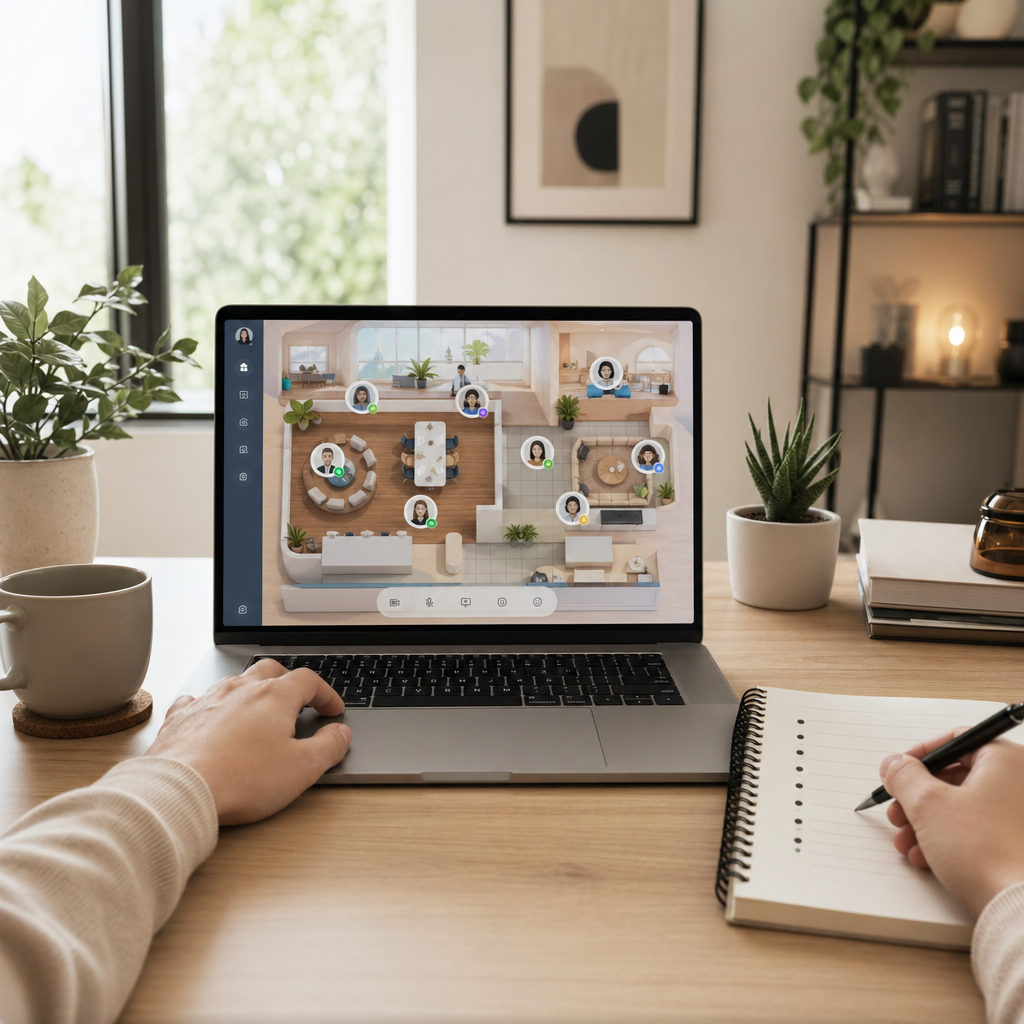
While Microsoft Mesh provides the environment for deep collaboration, tools like Hurbly.ai act as the digital office floor, showing the status of colleagues before they enter these immersive 3D spaces.
Implementing Microsoft Mesh in Professional Workflows
Adopting Microsoft Mesh requires a strategic approach to ensure it solves specific communication problems. The first step involves identifying tasks that benefit from spatial visualization, such as product prototyping or complex data mapping. Once identified, teams can use Microsoft Mesh to conduct "whiteboarding" sessions in 3D, where ideas are not just drawn but built in a shared environment.
- Environment Setup: Define the virtual space where the team will meet within the platform.
- Asset Integration: Upload the necessary 3D models or documents into the Microsoft Mesh environment.
- Availability Check: Use Hurbly.ai to verify that all key stakeholders are "available" or "present" before launching the session.
- Active Collaboration: Conduct the meeting using the spatial tools provided by Microsoft Mesh.
- Session Archiving: Save the state of the 3D environment for future iterations.
The relevance of Microsoft Mesh in 2026 lies in its ability to reduce the "distance" between remote workers. By providing a tangible sense of place, Microsoft Mesh helps maintain company culture and team cohesion. When combined with the real-time presence indicators of Hurbly.ai, the virtual office becomes a highly productive and transparent ecosystem. Using Microsoft Mesh effectively means less time spent on miscommunications and more time spent on actual creation and problem-solving.

