Strategies for Collaborative Visual Planning with Mural Boards
In this article

Strategies for Collaborative Visual Planning with Mural Boards
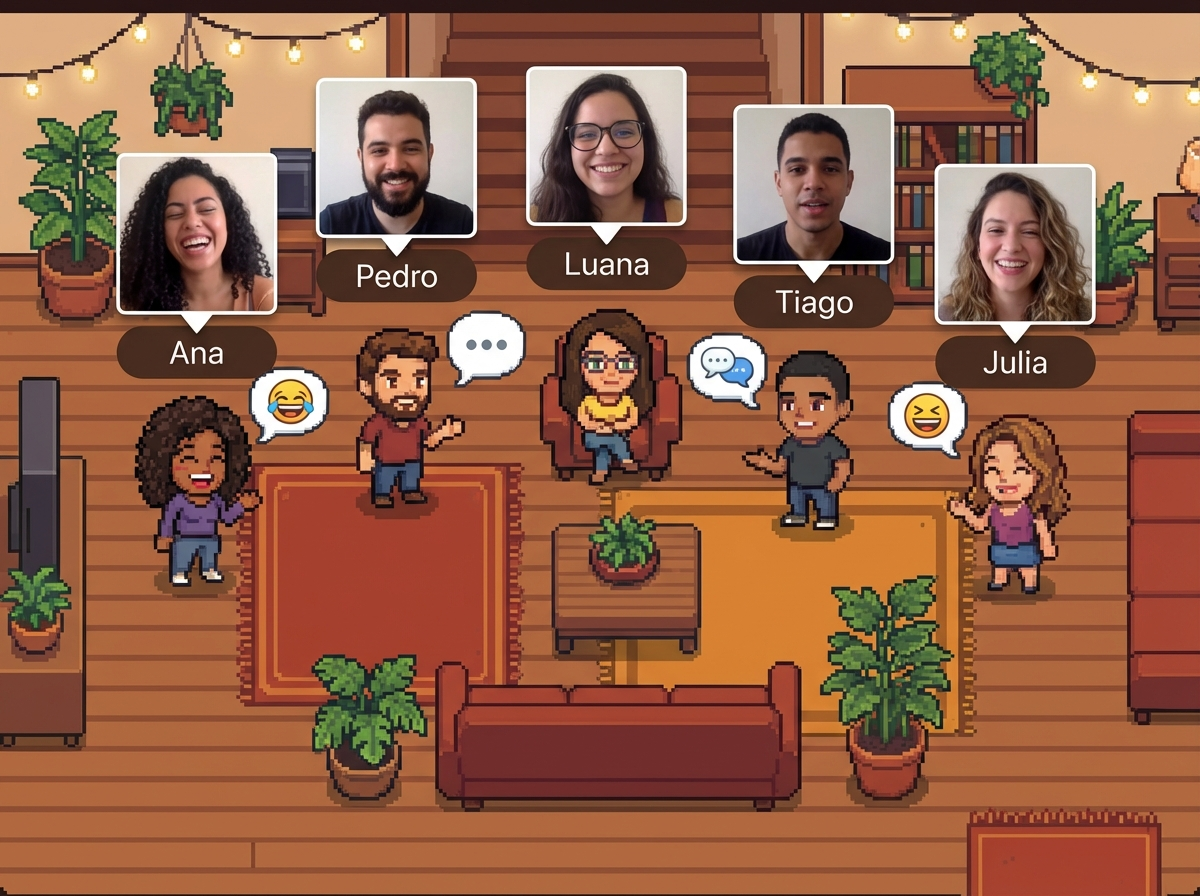
Visual collaboration has become a cornerstone for remote teams aiming to synchronize their workflows in 2026. By using mural boards, teams can transform abstract ideas into structured plans, allowing every participant to see the project's progress in real-time. These digital canvases serve as a centralized hub where brainstorming, wireframing, and sprint planning occur simultaneously. When integrated with a virtual office environment like Hurbly.ai, these visual tools bridge the gap between individual focus and collective creativity.
The effectiveness of mural boards lies in their ability to host various media types, including sticky notes, diagrams, and high-resolution images. This flexibility ensures that complex information is broken down into digestible segments. For teams distributed across different time zones, mural boards act as an asynchronous source of truth, ensuring that no information is lost between shifts and that every team member remains aligned with the core objectives.
Enhancing Team Presence and Workflow Integration
Integrating mural boards into daily operations requires more than just a shared link; it demands a culture of transparency and presence. Platforms like Hurbly.ai complement these visual tools by showing who is currently active, allowing for spontaneous huddles over a specific design or task. When a manager sees a colleague interacting with mural boards, they can initiate a quick conversation to resolve blockers without the friction of scheduling a formal meeting.
Effective workflow integration involves several key practices:
- Defining clear zones within mural boards for specific project phases.
- Assigning color-coded elements to different departments to track contributions.
- Using mural boards to host "stand-up" meetings where visual progress is reviewed.
- Linking live documents directly onto the canvas for immediate access.
By maintaining high visibility of team status through Hurbly.ai, organizations ensure that mural boards remain dynamic environments rather than static archives. This synergy between presence-tracking and visual planning maximizes the utility of mural boards for high-stakes project management.
Technical Advantages of Digital Canvas Solutions
Modern mural boards offer technical capabilities that physical whiteboards cannot match. Version history, automated alignment, and infinite scaling allow for massive brainstorming sessions that can be revisited and audited months later. These mural boards support complex data visualization, enabling teams to map out user journeys or architectural schemas with precision. The digital nature of mural boards also allows for the integration of external data feeds, keeping metrics updated in real-time.
| Feature | Impact on Collaboration |
|---|---|
| Infinite Canvas | Provides unlimited space for expanding mural boards as projects grow. |
| Real-time Cursors | Shows exactly where team members are looking on mural boards. |
| Template Libraries | Standardizes the structure of mural boards for recurring processes. |
| Export Options | Allows mural boards to be converted into PDF or image reports for stakeholders. |
Utilizing these features within mural boards helps technical teams maintain a high level of detail without sacrificing clarity. When combined with the real-time availability indicators of Hurbly.ai, the technical execution of projects becomes more fluid, as experts can be called upon the moment they are seen as "available" to contribute to the canvas.
Best Practices for Organizing Mural Boards in 2026
To prevent information overload, mural boards must be organized with a logical hierarchy. Start by creating a navigation map at the corner of your mural boards to help users jump to relevant sections. Using frames to group related ideas ensures that the board remains readable even as it grows in complexity. It is also essential to periodically archive completed sections of mural boards to keep the workspace focused on current priorities.
- Establish a naming convention for all elements within your mural boards.
- Set permissions to ensure only authorized users can modify critical sections of the mural boards.
- Use the "follow" feature to lead participants through a guided tour of the mural boards during presentations.
- Sync the status of your mural boards with your virtual office presence on Hurbly.ai to signal active collaboration phases.
Following these steps ensures that mural boards remain an asset rather than a source of confusion. As remote work continues to evolve, the ability to effectively manage mural boards will remain a vital skill for any digital professional. By leveraging tools like Hurbly.ai to manage team energy and presence, the collaborative potential of mural boards is fully realized, fostering a more connected and productive digital workplace.

