Understanding the Roam Virtual Office Concept for Remote Teams
In this article

Understanding the Roam Virtual Office Concept for Remote Teams
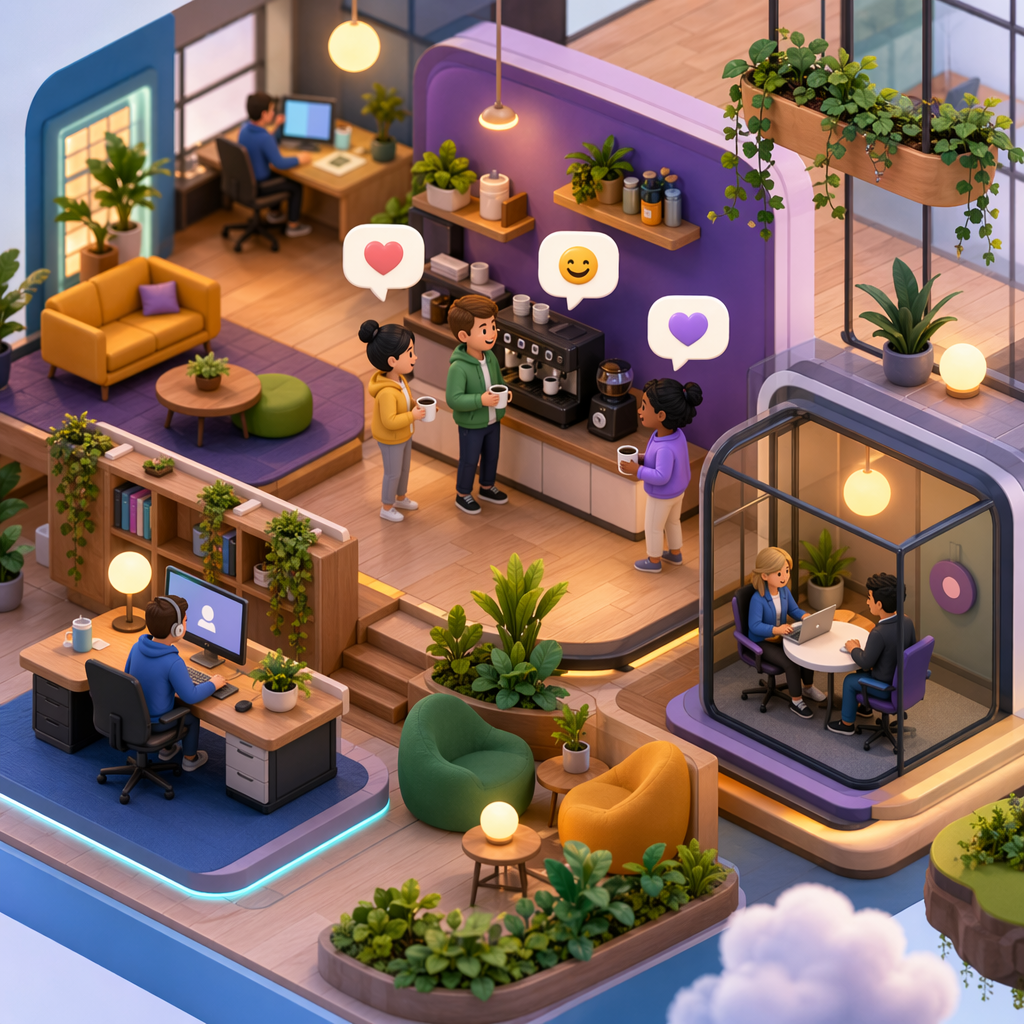
A Roam Virtual Office serves as a digital workspace designed to bridge the gap between physical proximity and remote work. Unlike traditional communication tools that rely on asynchronous messaging, a Roam Virtual Office focuses on real-time presence. By creating a visual map of a team's digital environment, it allows members to see who is currently at their desk, who is in a deep focus session, and who is available for a quick chat. This setup is essential for maintaining the social fabric of a company when employees are distributed across different time zones.
The primary function of a Roam Virtual Office is to reduce the friction associated with starting a conversation. In a standard remote setup, you often have to check a calendar or send a "ping" message before talking to a colleague. Within a Roam Virtual Office, the visual cues provide immediate context, making it possible to walk up to a virtual desk and start a discussion instantly. This mimics the natural flow of a physical office, where spontaneous ideas often lead to significant breakthroughs.
How a Roam Virtual Office Enhances Daily Workflow
Implementing a Roam Virtual Office changes how teams interact on a minute-to-minute basis. Instead of living in a constant state of isolation interrupted by scheduled video calls, employees exist within a shared space. This environment helps in reducing "meeting fatigue" because many issues can be resolved through a thirty-second verbal exchange rather than a thirty-minute formal invite. The Roam Virtual Office provides the infrastructure for these micro-interactions to occur naturally throughout the workday.
For managers, a Roam Virtual Office offers a non-intrusive way to understand team capacity. It is not about surveillance, but about accessibility. When a leader sees their team gathered in a virtual "break room" or a "war room," they gain an immediate sense of the project's pulse. Using Hurbly.ai alongside your Roam Virtual Office strategy can further refine this experience by providing clear indicators of who is focused and who is open for collaboration, ensuring that deep work is respected while maintaining team cohesion.
Key Features of a Functional Roam Virtual Office
To be effective, a Roam Virtual Office must include several core components that facilitate different types of work. A well-structured digital space usually consists of the following areas:
- Focus Zones: Dedicated spaces where users can signal they are doing deep work and should not be interrupted.
- Collaboration Rooms: Virtual areas designed for multiple people to jump in and out of audio or video conversations instantly.
- Social Lounges: Informal spaces meant for non-work-related talk, helping to build team culture and rapport.
- Meeting Hubs: Specific locations for scheduled sessions that require privacy or specific documentation tools.
A Roam Virtual Office also integrates with existing productivity suites to ensure that status updates are automated. For example, if you are in a calendar event, your Roam Virtual Office avatar might automatically show a "busy" icon. This automation prevents the need for manual status toggling, allowing employees to stay focused on their actual tasks while the software manages their digital presence.
Comparing Traditional Tools and a Roam Virtual Office
| Feature | Traditional Messaging | Roam Virtual Office |
|---|---|---|
| Presence | Static status (Online/Away) | Real-time spatial presence |
| Spontaneity | Low (requires "pinging") | High (instant "walk-up") |
| Context | Limited to text/emojis | Visual and environmental context |
| Meeting Style | Scheduled and formal | Fluid and ad-hoc |
| Team Culture | Hard to maintain remotely | High sense of "togetherness" |
Choosing a Roam Virtual Office over standard chat apps helps in creating a more human-centric digital culture. While chat apps are great for logs and documentation, they often fail to capture the nuances of human availability. The Roam Virtual Office fills this gap by prioritizing the "human" element of the workplace. By integrating Hurbly.ai, teams can optimize these interactions, making sure that the Roam Virtual Office remains a productive environment rather than a source of distraction.
Why Remote Teams are Adopting the Roam Virtual Office in 2026
As we move through 2026, the demand for more immersive remote work tools has grown significantly. The Roam Virtual Office has become a standard for companies that want to move beyond the limitations of simple video conferencing. It addresses the loneliness often felt by remote workers by providing a persistent sense of belonging. When you "log in" to your Roam Virtual Office, you aren't just opening an app; you are entering a workspace shared with your peers.
The transition to a Roam Virtual Office also supports better work-life boundaries. When an employee "leaves" the virtual space, they are effectively off the clock, providing a clear psychological signal that the workday has ended. This clarity is vital for preventing burnout in a world where the lines between home and office are increasingly blurred. Ultimately, the Roam Virtual Office is about creating a sustainable, engaging, and efficient way to work together, regardless of where each team member is physically located.

