Enhancing Remote Education with Virtual Classroom Technology
In this article

Enhancing Remote Education with Virtual Classroom Technology
A virtual classroom is a digital environment that enables real-time interaction between instructors and students, regardless of their physical location. Unlike traditional video conferencing, a virtual classroom integrates specific tools designed for pedagogical engagement, such as shared whiteboards, breakout rooms, and synchronized content viewing. This technology serves as the foundation for modern distance learning, providing a structured space where educational activities can occur synchronously. In 2026, these platforms have evolved to support complex instructional designs that cater to diverse learning needs.
The primary function of a virtual classroom is to replicate the collaborative atmosphere of a physical school through software. By utilizing high-definition audio and video, participants can engage in discussions that feel natural and immediate. This setup is particularly effective for institutions looking to expand their reach without increasing physical infrastructure costs. Furthermore, a virtual classroom allows for the recording of sessions, providing students with valuable resources for later review and ensuring that no learner is left behind due to scheduling conflicts.
Technical Components of a Productive Virtual Classroom
To function effectively, a virtual classroom requires a robust technical framework. This includes low-latency streaming capabilities to ensure that communication remains fluid and uninterrupted. Data security is another critical pillar, as these platforms must protect student privacy and sensitive educational records. When a virtual classroom is properly implemented, it includes integrated file-sharing systems and interactive polling tools that keep students engaged throughout the lesson. These features transform passive observation into active participation.
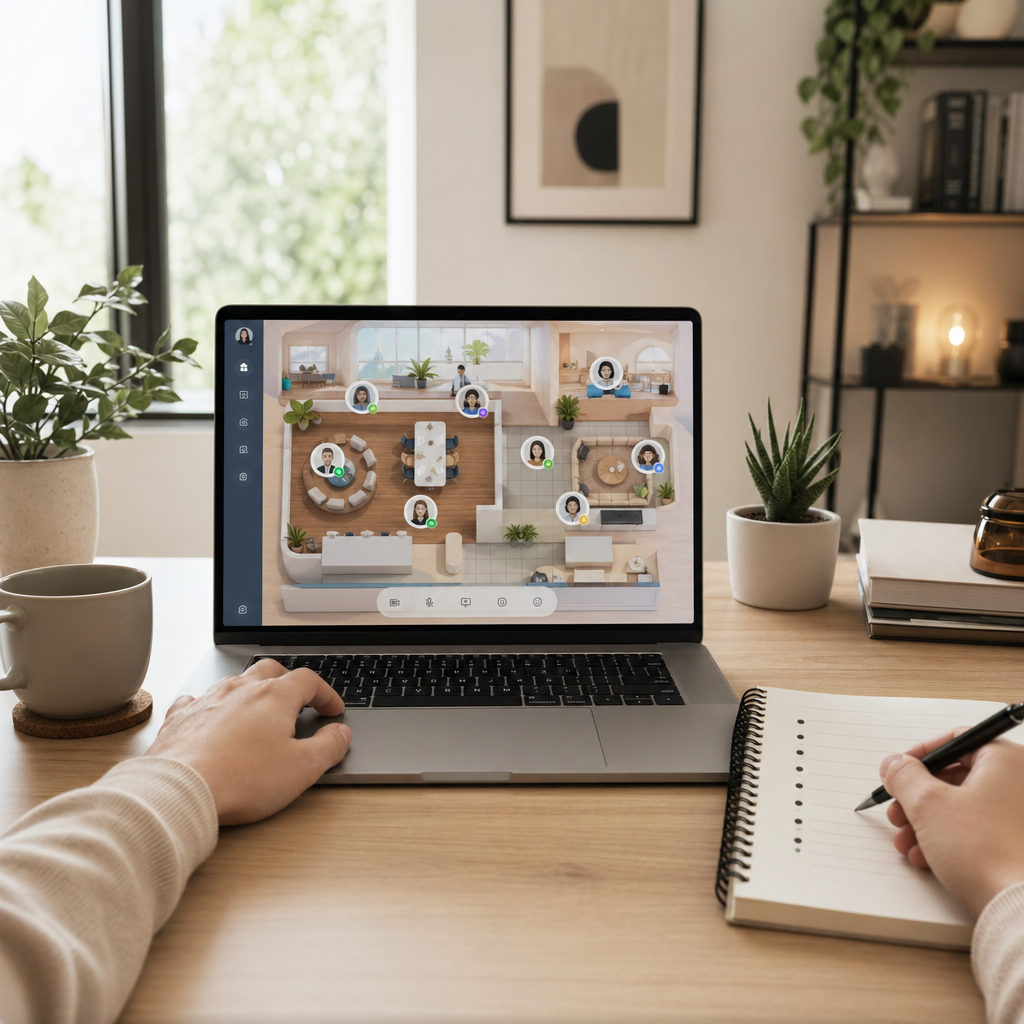
Beyond simple communication, a virtual classroom often incorporates administrative tools for tracking attendance and participation levels. Educators can monitor how long a student stays active within the session and evaluate engagement through real-time quizzes. This data-driven approach allows for immediate intervention if a student appears to be struggling. For teams managing these educational environments, platforms like Hurbly.ai can assist by showing the real-time availability of support staff and faculty, ensuring that technical or academic assistance is always accessible during live sessions.
Benefits of Implementing a Virtual Classroom in 2026
The adoption of a virtual classroom offers significant advantages for both corporate training and academic sectors. One major benefit is the elimination of geographical barriers, allowing experts from around the world to guest lecture or lead specialized workshops. Additionally, a virtual classroom reduces the carbon footprint associated with daily commuting and the maintenance of large campus facilities. This shift towards digital-first education supports a more sustainable and flexible model of knowledge distribution.
| Feature | Impact on Learning |
|---|---|
| Real-time Interaction | Increases student engagement and immediate feedback. |
| Breakout Rooms | Facilitates small group collaboration and peer learning. |
| Screen Sharing | Allows for clear demonstration of complex software or concepts. |
| Session Recording | Provides a permanent archive for study and compliance. |
In a corporate setting, a virtual classroom streamlines the onboarding process for remote employees. Instead of traveling to a central headquarters, new hires can join a virtual classroom to learn company protocols and meet their teammates. This method ensures consistency in training across different regions. To manage the coordination of these sessions, Hurbly.ai provides visibility into which trainers are currently occupied or available, making the scheduling of these digital learning events much more efficient.
Best Practices for Managing a Virtual Classroom
Successful management of a virtual classroom requires more than just technical proficiency; it demands a shift in instructional strategy. Teachers must design lessons that are modular and interactive to maintain focus in a digital setting. Using a virtual classroom effectively involves breaking down long lectures into shorter segments interspersed with interactive elements like chats or hands-on exercises. This approach prevents "digital fatigue" and ensures that the core objectives of the lesson are met.
- Prepare all digital assets and links before the session begins.
- Set clear ground rules for microphone usage and "raising hands" within the virtual classroom.
- Use the chat function to gather questions without interrupting the flow of the presentation.
- Assign a moderator to handle technical issues so the instructor can focus on teaching.
- Follow up with a summary or additional resources via the virtual classroom portal.
Finally, the social aspect of learning should not be ignored. A virtual classroom should provide spaces for informal interaction before and after the official lesson. This helps in building a community among learners who may never meet in person. By integrating presence-based tools like Hurbly.ai, educational administrators can see when instructors are in their "digital office," making it easier for students to seek one-on-one guidance outside of the scheduled virtual classroom hours. This holistic approach ensures that the digital experience is as supportive and connected as a traditional one.

